
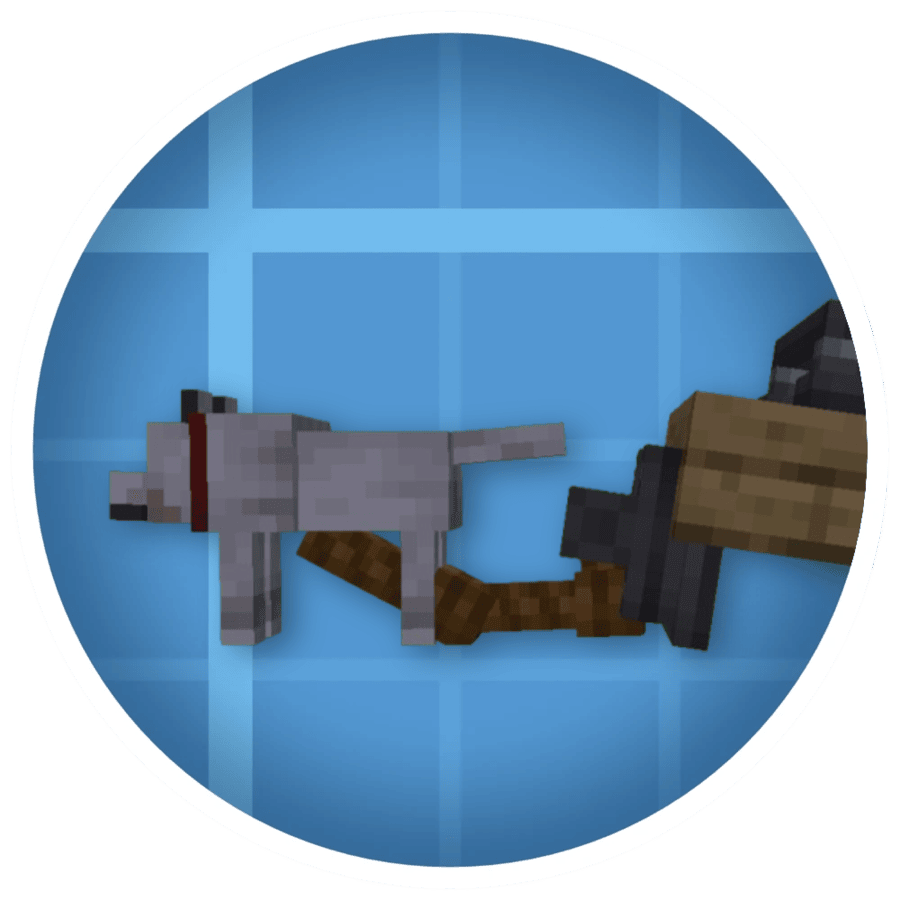
Create: Towed
Create: Towed is an addon for Sable and Create Aeronautics that adds physics-based rope connections between stationary contraption attachment points and living entities. Using a Rope Coupling, players can tether animals and mobs directly to rope-capable blocks such as Handles and Rope Winches, allowing contraptions to pull, drag, and tow creatures through the world.
What it does
Rope Couplings act as the physical link between a block attachment point and a mob. Once connected, the rope is simulated as a physics object: it hangs naturally under gravity, follows the movement of both endpoints in real time, and is rendered in the world as a strand of rope.
Attachment points on the block side are provided by Simulated's existing rope infrastructure, including Rope Connectors and Rope Winch blocks. The Rope Winch in particular allows the rope length to be actively extended or retracted, enabling dynamic control over how far the tethered mob can roam.
If either endpoint becomes invalid — the block is broken, the entity dies, or the connection is severed — the rope is automatically removed and a Rope Coupling item is dropped at the midpoint of the former connection.
THIS IS STILL IN EARLY DEVELOPMENT - Alpha versions are not intended for regular gameplay. Backup your world before installation.
Usage
- Hold a Rope Coupling in your hand.
- Right-click a valid block attachment point (such as a Rope Connector or Rope Winch) to set the first endpoint. A preview line will appear showing the pending connection.
- Right-click a leashable mob to complete the connection.
The order can be reversed: right-click a mob first, then right-click the block. Either endpoint may be set first.
To cancel a pending connection without completing it, shift + right-click while holding the Rope Coupling.
To remove an existing rope from a block, right-click the attachment point with a tool that has the simulated:destroys_rope item tag (such as a Wrench).
Dependencies
| Mod | Side | Required |
|---|---|---|
| Sable | Both | Yes |
| Create Aeronautics | Both | Yes |
| Create | Both | Yes (transitive) |
Configuration
Create: Towed generates a server-side configuration file (towed-server.toml) in the server config directory.
| Option | Default | Range | Description |
|---|---|---|---|
max_ropes_per_entity | 2 | 1 – 64 | Maximum number of ropes that can be attached to a single entity at once |
Compatibility
- Minecraft: 1.21.1
- Mod Loader: NeoForge 21.1.x