

Antique Transport
Puts trains, tracks, stations, and airships on your Antique Atlas map. Works with Create, Sable and Create Simulated.
Available on Fabric and NeoForge (via Sinytra Connector).
Features
Create
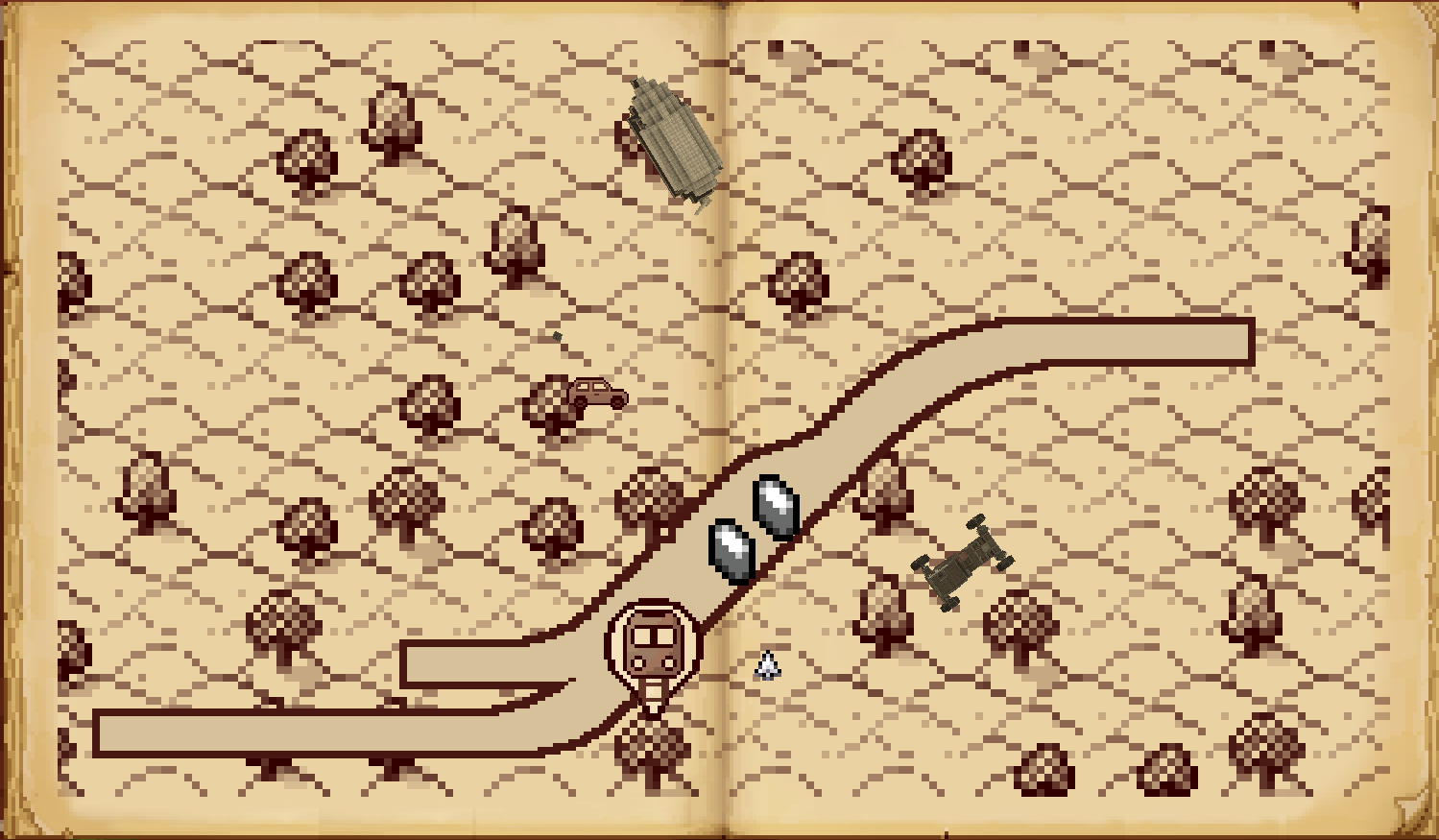
- Train tracks – Your entire rail empire, drawn on the map. Yes, including that branch line to nowhere.
- Live trains – Moving markers with name and route tooltips, so you can watch your trains be late in real time.
- Stations – Create stations appear as named landmarks. Finally, a reason to give them proper names.
Sable
- Ships & airships – Sable sublevels shown as directional markers with name, altitude, and last-seen time (all optional).
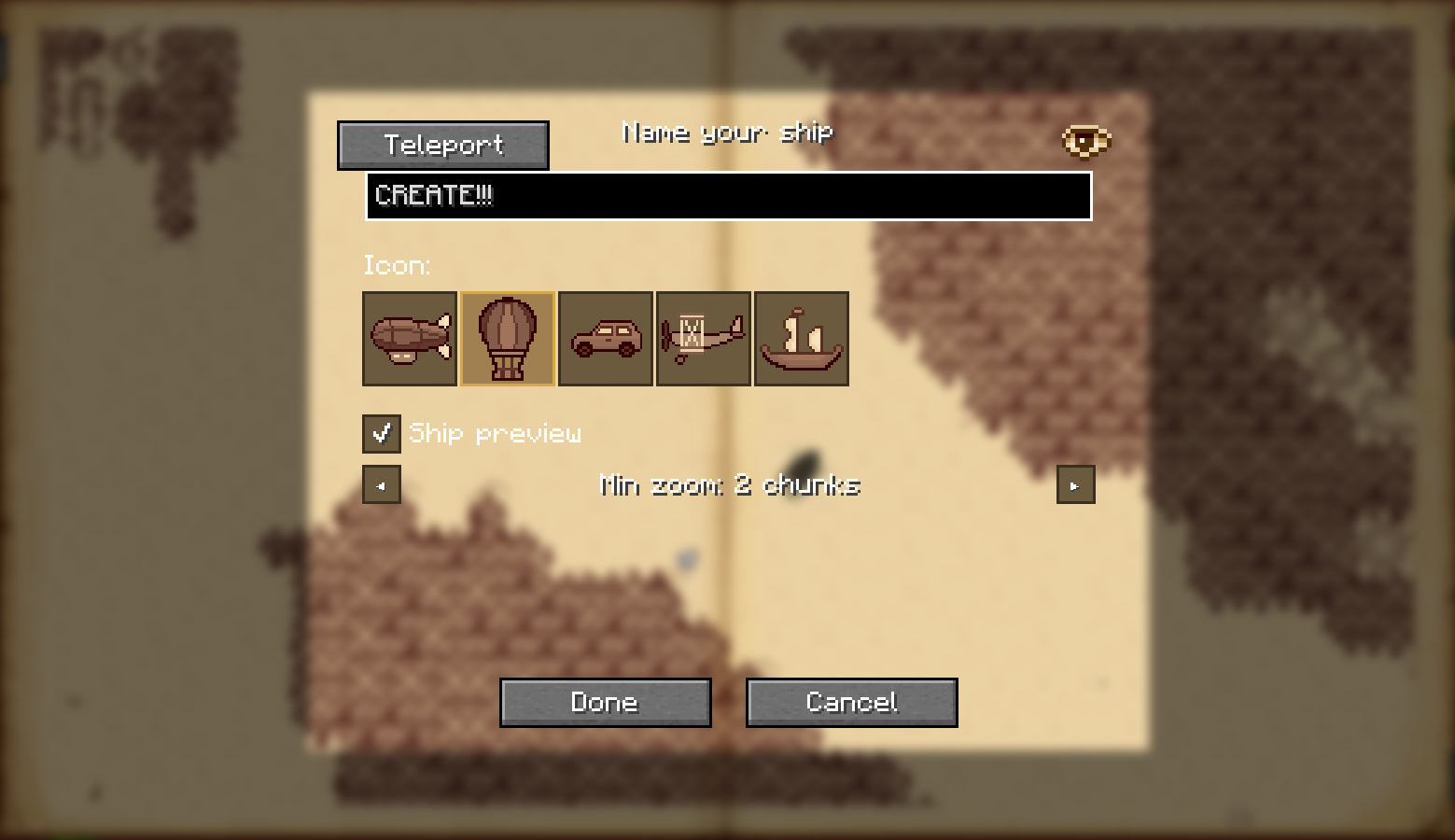
To add a ship to the map, click on it while the atlas is open, or run/antique_transport markshipwhile aboard. - Per-ship visibility – Each ship can be shown or hidden individually, so your test balloons do not clutter the strategic view.
- Bookmark buttons – A single toggle button to show/hide all ships at once. Perfect for when the sky gets crowded.
Create Simulated
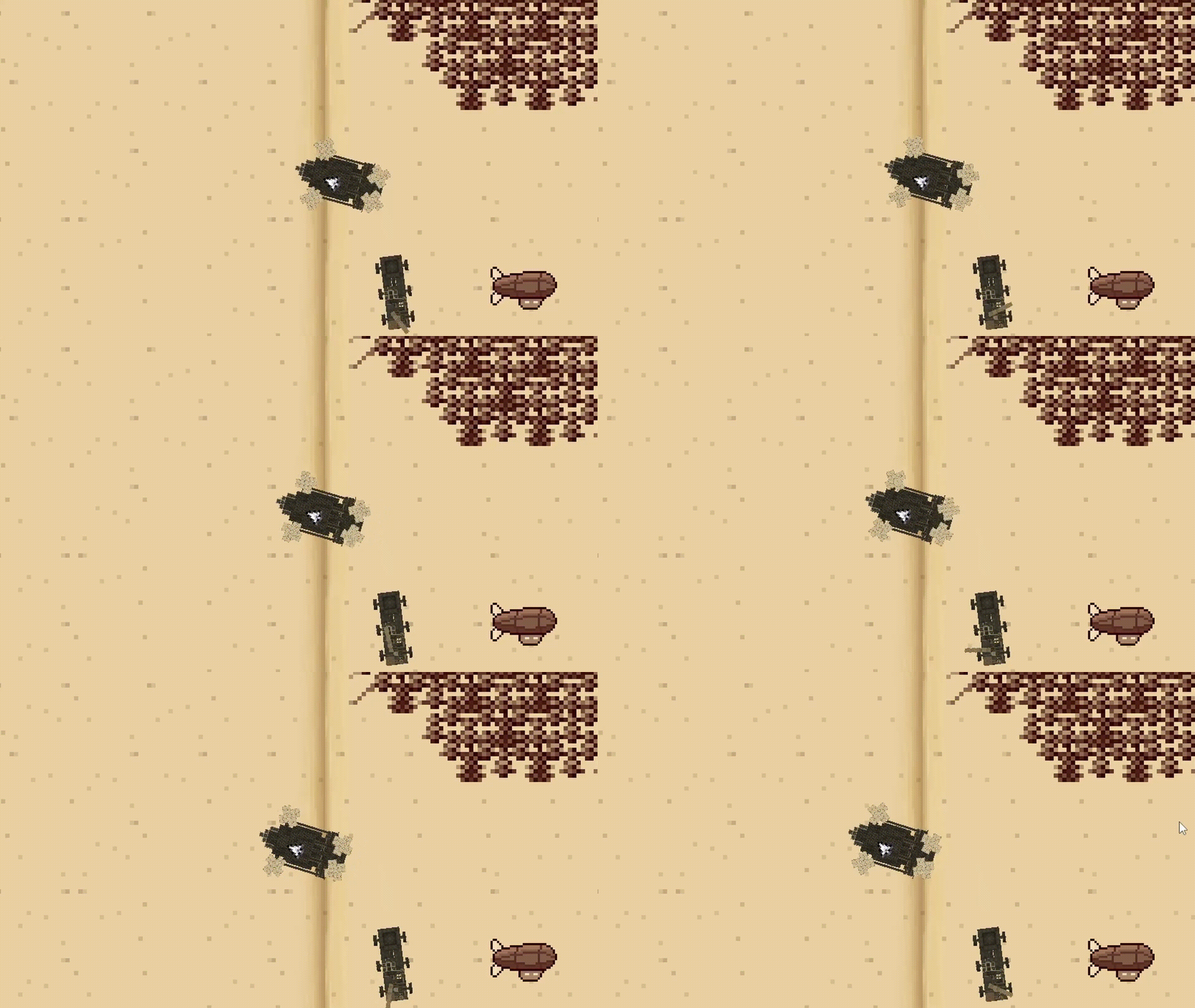
- Dynamic ship previews – With Create Simulated installed, ships can be rendered directly on the atlas as live top-down diagrams instead of just markers. Tiny floating contraptions, now in convenient map form.
- Automatic naming – Ships named via Simulated Nameplates are automatically reflected on the map, so you do not have to remember which one was “Definitely Not A Safety Hazard”.

General
- Bookmark buttons – Separate buttons to hide all train layers or all ships with one click. Useful when the map gets crowded, or when you're embarrassed by your rail network.
- Per-feature config – Each layer (tracks / trains / stations / ships / previews) toggled independently in
antique_transport.tomlvia McQoy.
| Client only | Client + Server | |
|---|---|---|
| Train Tracks, Stations, Trains | ✅ Rendered across the whole map. Same as client + server, because trains do not believe in networking drama. | ✅ Same as client only. Nice and boring, just how infrastructure likes it. |
| Ships (sub-levels) | ⚠️ Not synced with other clients. Shows last-seen time so you at least know the ship existed. | ✅ Synced with server and all clients, works across all loaded chunks. |
| Dynamic Ship Previews (Create Simulated) | ⚠️ Live ship diagrams work for ships within render distance; outside it, the last rendered preview can still be shown. | ✅ Same behavior as client only, but with proper syncing, shared naming, and no ghost ships haunting the atlas forever. |
Planned / TODO
- Feature suggestions welcome on GitHub Issues!
Credits
- justliliandev - original author of Create train map integration.
Disclaimer: This mod was built with significant AI assistance. The code and architecture were developed in collaboration with an AI coding assistant.